
PRINCO DDR3-1800 memory user manual, introduces the characteristics and use methods of PRINCO DDR3-1800 memory, including standard test methods and advanced overclocking test methods
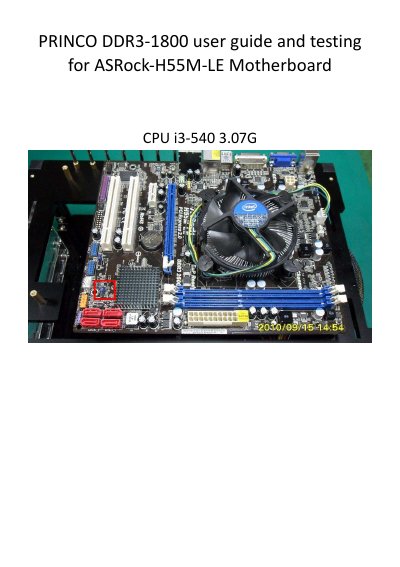
This guide explains the standard testing procedure for the PRINCO DDR3-1800 DIMM, including clearing the BIOS, loading the XMP Profile 2, and verifying the data rate (899.9 MHz × 2) and timings (8‑9‑8‑27). It also shows how to run a multi‑core MemTest in Windows 7 to confirm stability.
The advanced section details manual overclocking steps: adjusting BCLK, DRAM frequency, CPU ratio, and setting voltages (CPU 1.200 V, DRAM 1.650 V, VTT 1.30 V). After changes, the BIOS is saved and the system rebooted, with final stress testing confirming the module can reach up to 950.6 MHz × 2 (DDR3‑1900) with successful MemTest results.
| Data Rate (Standard Test) | 899.9 MHz × 2 |
|---|---|
| DRAM Timings (Standard Test) | 8‑9‑8‑27 |
| DRAM Voltage (Overclocking) | 1.650 V |
| BCLK Frequency (Advanced Test) | 195 MHz |
Enter the BIOS setup, go to the [Load XMP Setting] menu and select [Profile 2].
The default timings are 8‑9‑8‑27.