
This document is the user guide for Motorola MC1000 with Windows CE 5.0. It describes the features, characteristics, and usage of MC1000.
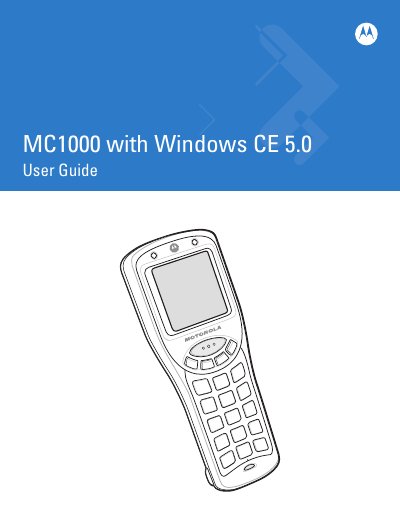
This guide covers everything you need to get started with the Motorola MC1000 mobile computer, including unpacking, battery installation, and basic operation. It walks you through power‑on procedures, keypad navigation, and using the built‑in barcode scanner.
Later chapters describe optional accessories such as USB and Ethernet cradles, detail maintenance tasks, and provide troubleshooting steps to keep the device running reliably.
| Operating system | Windows CE 5.0 |
|---|---|
| Battery type | Li‑ion |
| Battery type | AAA |
| SD/SDIO Card support | Yes |
| Model number | MC1000 |
Refer to the Li‑ion Battery Installation section (page 1‑4) for step‑by‑step instructions.
Use the Adjusting the Screen Contrast procedure described on page 2‑6.
Battery charging instructions are provided in the Battery Charging section (pages 1‑5 and 1‑8).
See the Entering Data via the Bar Code Scanner section on page 2‑9.