
This document introduces a RadioShack 2-in-1 DVD-TV remote, which can control both RCA TV and DVD player. The document includes instructions for battery installation, battery use and safety precautions, and a quick look at the controls of the remote.
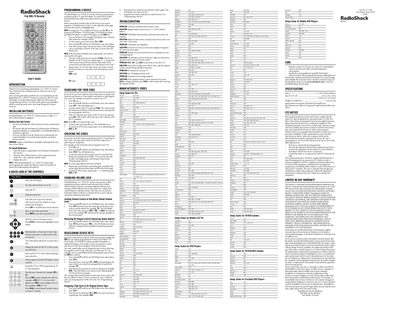
This guide explains how to install the supplied 3.3 V CR2032 lithium battery, operate the remote’s basic functions, and use the quick‑look control chart. It also covers programming the remote for RCA TVs and DVD players as well as other brands.
Detailed steps are provided for programming a device, troubleshooting LED‑blink issues, and adjusting the volume‑lock feature. Warranty and safety information are included at the end of the document.
| Battery type | 3.3 V 2032 Lithium (supplied) |
|---|---|
| Dimensions (HxWxD) | 491 × 2.05 × 0.38 mm |
Press the device‑mode key, hold it until the red LED blinks twice, release, then enter the four‑digit code digit by digit; repeat for each digit and test the device.
Repeat steps 2‑4 (press the device key, hold until the LED blinks twice, and enter the code). If it still does not blink, try a different code or check the battery.
Use the Volume Lock feature described in the "Changing Volume Lock" section to set a global volume lock or unlock it for individual devices.