
The RadioShack 4-1 Family Favorites Remote is a remote control that can control up to four home entertainment devices. It is easy to use and compact. It allows you to set up different groups of family favorite channels for different family members. Batteries are required for operation.
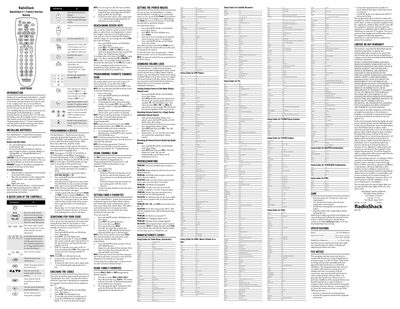
This guide explains how to install batteries, program devices, and customize family favorite channels for the RadioShack 4-1 Family Favorites Remote, which can control up to four home entertainment devices. It includes instructions for programming individual devices, setting up macros, and adjusting volume lock settings.
The manual also covers safety precautions, FCC compliance, specifications, and warranty information, plus a troubleshooting section for common issues such as LED behavior and device response problems.
| Power source | Four AAA batteries (not supplied) |
|---|---|
| Dimensions | 7.67 x 2.44 x 1.42 in |
Open the battery compartment cover on the back, insert four AAA batteries matching the polarity symbols, and replace the cover.
Turn on the device, press the appropriate device key, hold the P button until the LED blinks twice, then enter the four‑digit code. If the LED blinks twice after entry, the device is programmed.
Hold P until the LED blinks twice, press 9 9 5, select the user key, then the genre key, and enter up to three channel numbers for that genre.
Replace the batteries with four new AAA alkaline batteries, as a non‑blinking LED indicates dead or missing batteries.