
GeForce 6100-M9 BIOS Setup introduces the Award™ Setup program, which allows users to modify basic system configuration information and store it in battery-backed RAM so that it will be retained when the power is turned off.
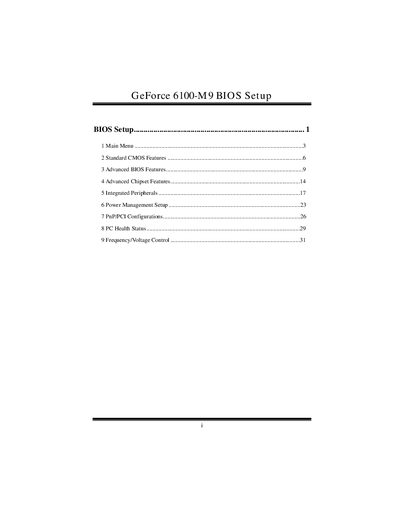
This manual describes the Award BIOS built into the GeForce 6100-M9 system. It covers the main menu, standard CMOS features, advanced BIOS and chipset options, integrated peripherals, power management, Plug and Play/PCI configurations, PC health status, and frequency/voltage control. The document also explains supported standards such as APM, ACPI, EPA Green PC, and PCI.
Navigation of the BIOS Setup utility is performed with the keyboard: arrow keys to move, Enter to select, PgUp/PgDn or +/- to change values, F1 for help, and Esc to quit. Password protection can be set for supervisor and user levels, and optimized defaults can be loaded when needed.
| Supported CPU | AMD CPU |
|---|---|
| Supported Memory | DDR SDRAM |
| Plug and Play Specification | Version 1.0A |
| EPA Green PC Specification | Version 1.03 |
| Advanced Power Management (APM) | Version 1.1 & 1.2 |
| ACPI Specification | Version 1.0 |
Press F7 to load optimized defaults and confirm the Y/N prompt.
The BIOS supports AMD CPUs.