
This manual introduces the use of iGo Stowaway Ultra-Slim Bluetooth keyboard, including installing software, configuring the keyboard, enabling the keyboard driver, etc.
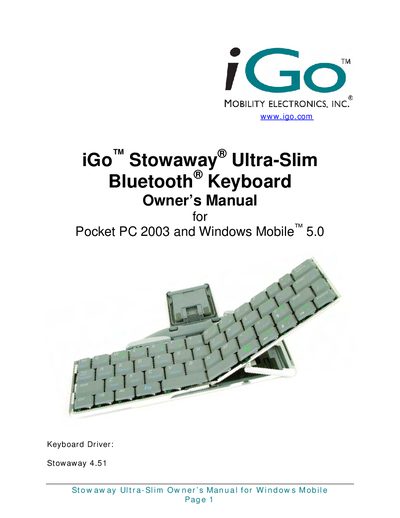
This manual explains how to install the Stowaway keyboard driver, configure Bluetooth connections, and customize key functions. It covers both secured and unsecured connection modes, battery installation, and power‑efficient operation for Pocket PC 2003 and Windows Mobile 5.0 devices.
The final section lists technical specifications such as dimensions, weight, operating temperature, battery life, and Bluetooth RF parameters, along with regulatory notices and warranty information.
| Dimensions (open) | 10.28"W x 0.59"H x 3.86"D (26 mm × 15 mm × 98 mm) |
|---|---|
| Dimensions (closed) | 5.47"W x 0.79"H x 3.86"D (139 mm × 20 mm × 98 mm) |
| Weight | 6.42 ounces (182 g) |
| Operating Temperature Range | 32 °F to 120 °F (0 °C to 49 °C) |
| Typical Battery Life | ~120 hours |
| Battery Type | 2 AAA batteries (included) |
| Memory Requirement | At least 250 KB free memory |
| Bluetooth Output Power (Class 2) | Maximum 2.5 mW (4 dBm) |
| Bluetooth Specification | Version 1.2 compliant |
| HID Profile | Version 1.0 compliant |
| Frequency Range | 2.4 GHz – 2.4835 GHz |
| Modulation Type | GFSK (Gaussian Frequency Shift Keying) |
The device is Class 2 with a maximum output power of 2.5 mW (4 dBm).