
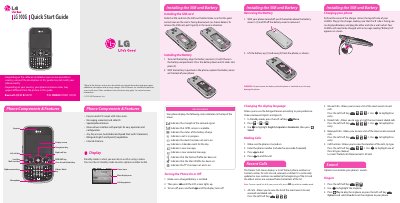
This LG 900G Quick Start Guide gives basic instructions for setting up and using the phone. It covers installing the SIM card and battery, charging the phone, turning it on or off, changing the display language, making calls, and using recent calls.
The guide also describes the phone's components and status icons, sound options, text entry, and sending an SMS message. A menu map and TIA safety information are included.
| Display | Easy-to-read LCD screen with status icons |
|---|---|
| Bilingual capabilities | English and Spanish |
| Speed Dials | 9 locations |
| Messaging features | Messaging, voicemail, and caller ID |
Slide the SIM card into the SIM card holder with the gold contact area on the card facing downwards.
Pull out the charger slot cover on the top left side, plug in the charger with the 'B' side facing you, and charge until 'Battery full' appears.
In Standby mode, open Menu, go to Settings, then highlight English, Español or Automatic and press Select.
Open Messaging with the Left soft key, enter your message, press Send, then search for and enter a recipient and press Send.