
The LG-A133CH User Guide introduces the basic operation methods of the phone, including installing SIM cards, batteries and storage cards, how to make phone calls, answer calls, adjust the volume, send text messages, view call records, etc.
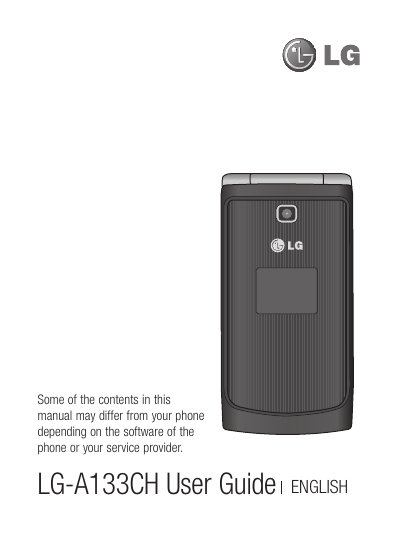
This guide introduces the LG‑A133CH phone, covering safety guidelines, hardware installation (SIM, battery, memory card), and basic navigation of the home screen and icons. It also explains core functions such as making calls, messaging, and using multimedia features.
Additional sections detail settings configuration, connectivity options, media management, and troubleshooting tips, along with warranty information and regulatory compliance notes.
| Operating temperature range | -4°F to 122°F |
|---|---|
| Minimum body‑separation distance for RF exposure | 0.79 inches (2 cm) |
No. Placing the phone in a microwave oven will cause the battery to explode.
Avoid storing the phone below -4°F (-20 °C) or above 122°F (50 °C) to prevent malfunction or damage.
Maintain at least 0.79 inches (2 cm) separation between the phone’s back and your body.