
The iDrive™-1000 LED driver is the latest intelligent innovative driver and control system from IST Ltd, designed to optimise the performance of second generation high power LED lighting systems.
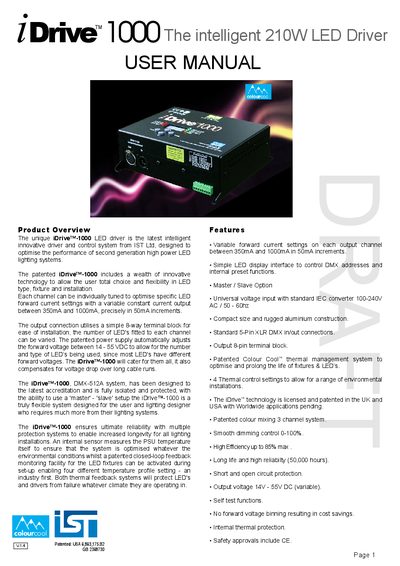
The iDrive 1000 is an intelligent 210 W LED driver from IST Ltd, offering variable current settings (350 mA‑1000 mA) and DMX‑512A control. It supports master/slave chaining, thermal feedback, and provides a rugged aluminium housing with IEC‑compliant power input.
The manual covers product overview, electrical specifications, wiring diagrams, DMX and preset programming, setup procedures, thermal protection, and master‑slave configuration, helping users install and operate the driver safely and efficiently.
| Input Voltage Range | 100‑240 V AC |
|---|---|
| Input Frequency | 50‑60 Hz |
| Power Consumption | 114‑210 W |
| Power Factor | 10.98 MAX |
| Efficiency | up to 85 % max |
| Output Current per Channel | 350 mA‑1000 mA |
| Output Voltage per Channel | 14‑55 V DC |
| Power Output per Channel | 5‑55 W |
| Dimensions | 205 × 155 × 70 mm |
| Weight | 1250 g |
Turn off the main power, hold down the ‘store’ and ‘mode’ buttons, then turn the power back on; release the buttons to restore factory defaults.
Up to 32 iDrive 1000 drivers may be connected in a master‑slave chain.
Select the ‘DMX’ button, use the up/down buttons to choose an address between 001‑510, then press ‘store’ to save.