
This is Nokia E71 User Guide
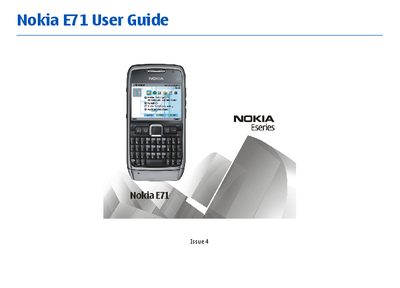
This guide introduces the Nokia E71, covering its key features, hardware layout, and initial setup steps such as inserting the SIM and battery, charging, and connecting accessories. It explains the home screen, menus, and core applications like phone calls, messaging, internet browsing, GPS, and Ovi services.
The manual also details connectivity options (Bluetooth, infrared, Wi‑Fi, USB), security settings, data management, and safety precautions for wireless use. Troubleshooting tips, battery handling, and regulatory information are provided to help users operate the device safely and effectively.
| Supported networks | GSM 850/900/1800/1900, UMTS 850/2100 HSDPA |
|---|
The device works on GSM 850, 900, 1800, 1900 and UMTS 850/2100 HSDPA networks.
No – you must keep your hands free and obey local laws; the guide advises not to operate the device while driving.
Switch the device off and disconnect the charger before removing the battery.