
PocketWatch is a mobile application for users to access stock market data and news. It provides three levels of access: Personal, Trader and Professional. The different levels of access determine the number of Watchlists, Mixed Tabs, Quote Lists, Depth, Charts, News Items and Alerts that can be set.
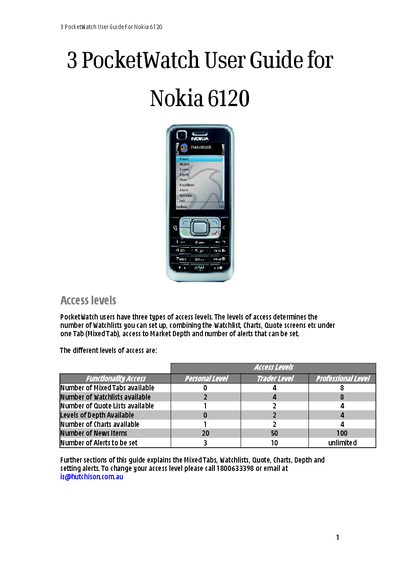
The guide introduces the three access levels (Personal, Trader, Professional) that determine how many watchlists, mixed tabs, quotes, charts, depth levels and alerts a user can create. It walks through the main menu, mixed tabs, and how to assign tabs, modify watchlists, add or delete symbols, and customize columns.
Further sections cover the Quote, Depth, Chart, and News tabs, font and style settings, alert creation and notification options, screen orientation changes, and a FAQ section that addresses common error messages and troubleshooting steps.
It means the symbol is not available for your login; you need to add the appropriate exchange to your subscription.
The username and/or password is entered incorrectly; correct it in Settings.