
This document is a declaration about the Nokia 6030 user guide. It declares the product's conformity and the requirement for separate collection and recycling.
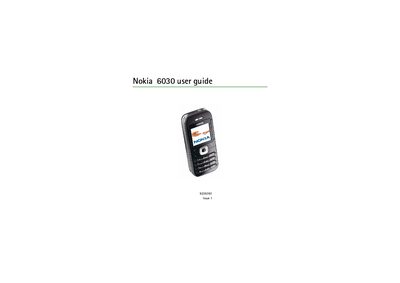
This guide begins with safety information and basic setup, including installing the SIM card, inserting the battery, charging, and turning the phone on or off. It also describes the phone’s hardware layout, key functions, and how to change covers.
The manual then covers core phone features such as making calls, managing contacts, sending SMS/MMS, using the web browser, multimedia functions, GPRS settings, personalisation options, and battery information. It also includes regulatory details like SAR values and instructions for restoring factory defaults.
| Maximum SAR (ear) | 0.70 W/kg |
|---|---|
| SAR limit (public) | 2.0 W/kg |
Open the back cover, insert the SIM card, place the battery inside, then charge and switch the phone on.
The highest measured SAR value for the device when used at the ear is 0.70 W/kg.
Select the Restore factory setting option in the Settings menu to reset the device.