
Nokia E71 User Guide, introduces the main features of the device, including phone, SMS, email, calendar, contacts, browser, etc.
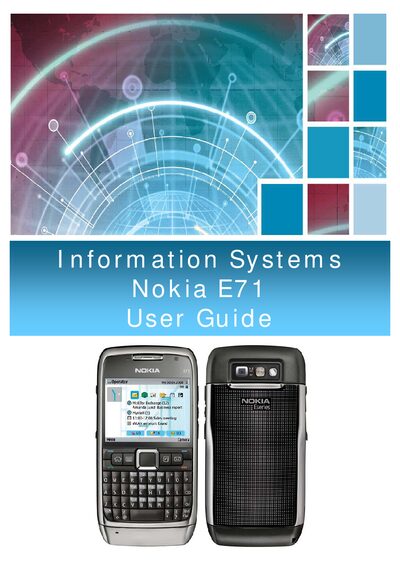
The guide introduces the Nokia E71, highlighting its business‑oriented features such as e‑mail, calendar, contacts, and WLAN connectivity. It explains the device’s hardware layout, key functions, and the initial setup process for first‑time users.
Subsequent sections cover navigation, menu organization, settings wizard, connectivity options (Bluetooth, WLAN, SIP, and net call), data transfer between devices, and security configuration. Detailed instructions are provided for charging, memory‑card handling, and using the device’s various applications.
| Memory card slot | Present |
|---|---|
| Micro‑USB connector | Present |
| WLAN power saving mechanism | Selectable |
| TX power level | User selectable |
| WEP key entry | Enter the WEP key data |
Open the back cover, lift the battery, insert the SIM card with the contact area facing the connectors, then replace the battery and close the cover.
Open the WLAN settings, select a security mode (WEP, WPA/WPA2, or 802.1x), and configure the required keys or authentication settings.