
This document is the user guide for Nokia Bluetooth Headset BH-900, providing information on the product's declaration of conformity, copyright, and Nokia's continuous development policy. It also emphasizes Nokia's limitation of liability for data loss and special damages. The contents of the document are provided on an 'as is' basis without any warranties, expressed or implied.
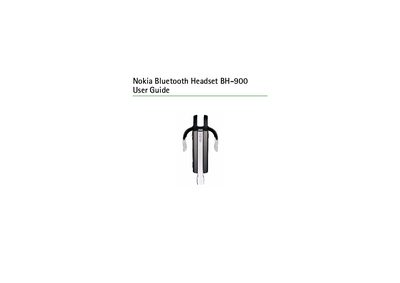
The guide introduces the Nokia BH-900 Bluetooth Headset, describing its sliding boom, Bluetooth connectivity, and safety precautions. It explains how to charge the device, pair it with a compatible phone, and use basic functions such as answering calls and adjusting volume.
Additional sections cover battery performance, charging procedures, indicator light meanings, and detailed care and maintenance advice to ensure long‑term reliability. Safety warnings and regulatory information are also included.
| Bluetooth version | 2.0 |
|---|---|
| Supported profiles | Headset Profile 1.1, Handsfree Profile 1.5 |
| Talk time | up to 8 hours |
| Standby time | up to 180 hours |
| Charging time | up to 2 hours |
| Recommended operating temperature | 15 °C – 25 °C |
The headset provides up to 8 hours of talk time and up to 180 hours of standby time on a full charge.
Turn on both devices, enable Bluetooth on the phone, select "Nokia BH-900" from the device list, and enter passcode 0000 to complete pairing.
Connect the approved charger to a wall outlet and to the headset; the red indicator lights while charging and turns green when fully charged.
It supports the Headset Profile 1.1 and the Hands‑free Profile 1.5.