
SP-Tune for Sony User Manual, providing product features, usage methods, precautions, etc.
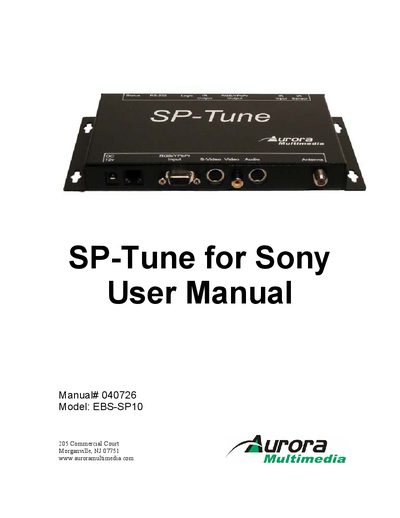
The SP‑TUNE is a TV tuner/scaler designed to work with Sony plasma monitors. This manual explains how to connect the unit, configure video and audio settings, and use the built‑in IR sensor or a Sony remote control.
It also covers LED status indicators, firmware updates, and warranty information, helping installers and end‑users achieve reliable performance and resolve common issues.
| Power source | 12 V 15 W DC wall supply |
|---|---|
| Height | 0.96 in |
| Depth | 4.18 in |
| Length (with brackets) | 7.30 in + 1.39 in |
| Weight (unit only) | ≈ 0.8 lb |
| Weight (with accessories) | ≈ 2 lb |
The SP‑TUNE is controlled using an IR remote controller and is compatible with Sony IR remote transmitters.
The two LEDs show the unit’s power state, IR reception, and communication status, and can also signal firmware errors.
Firmware updates are performed via the “Firmware update” section of the manual, which describes the upload procedure.
The package contains a 12 V 15 W DC wall supply, mounting ears, a 15‑pin VGA/IR/Audio/RS‑232 cable harness, and an 8‑pin mini‑DIN to RCA audio I/O cable.