
This manual describes the Cisco VGD 1T3 Voice Gateway CT3 digital feature card.
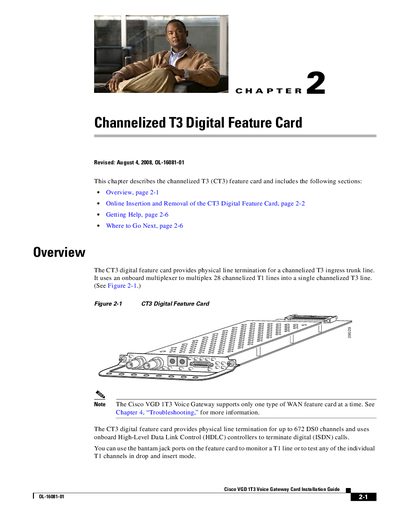
The CT3 Digital Feature Card provides physical line termination for a channelized T3 ingress trunk line and multiplexes 28 channelized T1 lines into a single T3 line. It uses onboard HDLC controllers to terminate digital (ISDN) calls and supports up to 672 DSO channels.
The guide details the online insertion and removal (OIR) procedures, including the busyout command, LED status checks, ESD precautions, and step‑by‑step instructions for both removal and installation of the card in a Cisco VGD 1T3 Voice Gateway chassis.
| Multiplexing capacity | 28 channelized T1 lines into a single T3 line |
|---|
Run the busyout command for the card, wait for active calls to drop, verify the OK/MAINT LED is off, then follow the removal steps.
Attach an ESD‑preventive wrist strap, perform the operation during low CPU utilization, and avoid work during lightning activity.