
This document is about the user manual for Online Gain, which introduces the basic operations, Hong Kong stock quotes, stock trading, synchronized monitoring, futures, and settings. Users can learn how to start and close Online Gain, reconnect quote services, conduct stock trading, and perform synchronized monitoring through this manual.
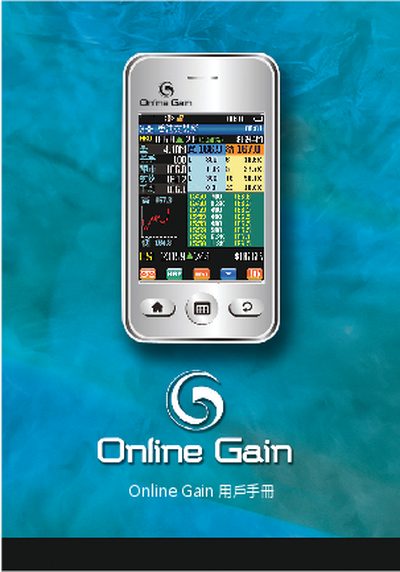
The Online Gain is a specialized handheld device designed for financial market monitoring and trading. It provides real-time quotes for Hong Kong stocks and futures, allowing users to execute buy and sell orders, manage portfolios, and set price alerts via GPRS mobile data services.
The device includes integrated mobile phone functionality and a touch screen interface. Users can monitor multiple assets simultaneously through the synchronous monitoring feature and customize system settings such as trading passwords and network configurations. This manual is written in Chinese.
| Network Connectivity | GPRS mobile data |
|---|---|
| SIM Slot | SIM 1 (primary for data) |
Press the power button on the top of the device for approximately 3 seconds until the screen displays an image.
From the main menu, select 'Settings' to enter the system settings menu, then select 'Change Trading Password'.
Perform a touch screen recalibration through the phone settings by selecting 'Calibrate Stylus' and following the on-screen prompts.