
The ND-100 is a GPS receiver from NaviGo, which can be used by connecting to a laptop.
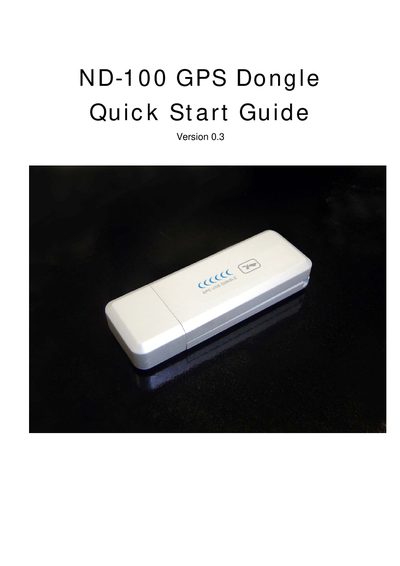
The guide introduces the ND-100 GPS Dongle, its accessories, and the steps to connect the device to a laptop via USB, install the provided driver from the CD, and verify the GPS signal using the LED indicator.
It explains the meaning of the LED status lights, describes the MiniCDU test utility for confirming communication, and provides COM port configuration details such as setting the baud rate to 38400.
| LED OFF meaning | GPS receiver is off (no power) |
|---|---|
| LED solid meaning | No fix, searching for GPS signals |
| LED flashing meaning | Position fix established |
| Baud rate | 38400 |
| USB connector | Standard USB to laptop |
Connect the ND-100 to the laptop USB port, install the driver from the supplied CD, and wait for the LED to flash indicating a GPS fix.
LED OFF means the receiver is off, solid LED means no fix and the device is searching for signals, and flashing LED means a position fix has been established.
Run the MiniCDU.exe utility from the CD, select the correct COM port and set the baud rate to 38400; the utility will display GPS data if communication is successful.