
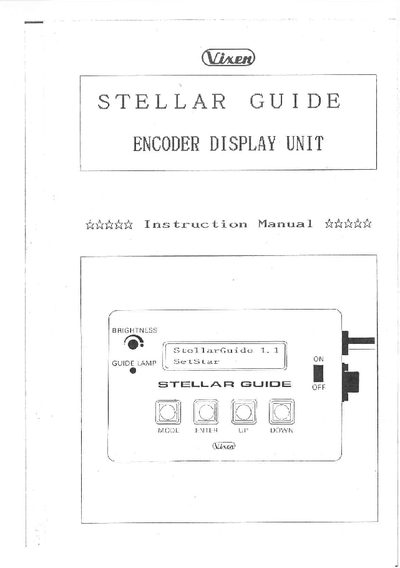
The Stellar Guide assists you in searching for and locating celestial objects by displaying right ascension, declination, classification and magnitude. It stores 800 objects, offers a stopwatch, and works in both hemispheres with equatorial or alt‑azimuth mounts.
The manual covers connecting the battery box and encoders, initial setup, polar alignment, selecting alignment stars, object selection, and guiding the telescope to the target. It also explains brightness adjustment, language selection, and the guide lamp behavior.
| Display | 2 lines of 16 digits LCD |
|---|---|
| Brightness adjustment | Adjustable illumination via screwdriver |
| Language options | English and Japanese |
| Hemisphere use | Usable in Northern and Southern hemispheres |
| Mount compatibility | Equatorial and alt‑azimuth mounts |
| Battery type | Six C‑size alkaline batteries (not included) |
| Battery inclusion | Batteries not supplied with unit |
Brightness is adjusted by turning a screw with a screwdriver.
Six C‑size alkaline batteries must be installed in the battery box; they are not included.
Use the SETUP MODE to select the desired language.