
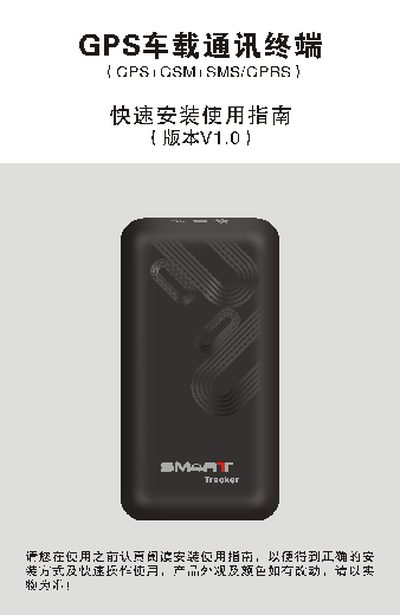
The guide provides step‑by‑step instructions for preparing the device, installing a GSM SIM card, and connecting power, ACC, oil‑cut relay, and optional accessories such as a microphone and SOS button. It also details the meaning of the LED status indicators for power, GSM, GPS and alarm states.
Additional sections describe wiring diagrams, parameter setting commands (e.g., password change, adding SOS numbers) and warranty information. The document is aimed at installers and end‑users who need a fast, practical setup reference. This manual is written in Chinese.
| Voltage input range | 9‑36 VDC |
|---|---|
| GSM network | Global GSM system |
| Positioning | Continuous GPS positioning, GPRS timed reporting |
| SMS query | Supports SMS location queries |
| Backup battery | Built‑in backup battery for illegal tamper alarm |
The terminal works with a wide voltage range of 9 V to 36 V DC.
Send an SMS with the add‑number command to the terminal; up to three numbers can be stored for SOS and anti‑theft alerts.