
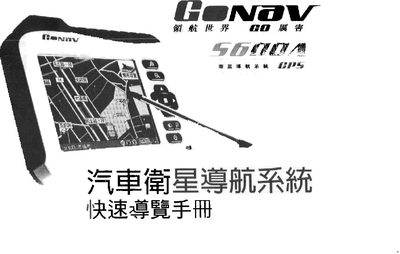
This manual introduces the Gonav S600A navigation unit, its 3.5" TFT LCD with touch panel, power indicators, and built‑in GPS receiver. It explains how to mount the device, connect the charging base, and use the USB port for data and power.
The guide walks you through preparing the system, loading maps, setting destinations, and following voice prompts for turn‑by‑turn navigation. It also covers using a car‑mounted charger and interpreting the map display and distance information. This manual is written in Chinese.
| Display | 3.5" TFT LCD with Touch Panel |
|---|---|
| Maximum Output Power | 1 W |
| USB Interface | USB 1.1 full speed |
| Input Power | 5 V 2 A |
| Output Power | 5 V 2 A |
| Maximum Audio Output | 2 W |
Press the power button; the Power LED lights while the device is on and turns off when the unit is suspended.
Yes, connect the car charger’s USB cable to the USB port on the back of the charging base after the engine is started.
The system prompts you to set a destination and shows the current vehicle location, administrative area, and GPS status.
The device announces upcoming turns, distance to the next road condition, and alerts for highway exits based on the selected voice mode.