
GV-N94T-512H/ GV-N94TOC-1GH is a graphics card product launched by GIGABYTE company. This product adopts NVIDIA GeForce 9400 GT GPU, with 512MB/1GB GDDR2 graphics memory, supports DirectX 10, HDCP, HDMI and other technologies.
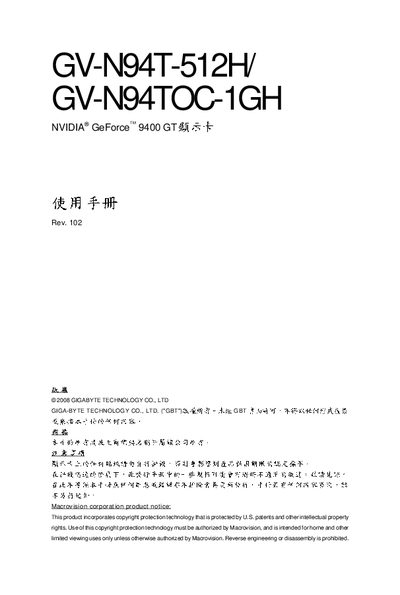
The manual explains how to safely install the GV‑N94T series graphics cards, configure drivers for Windows XP and Vista, and connect video outputs such as DVI, HDMI, and D‑Sub. It also covers system requirements, BIOS update procedures, and troubleshooting tips.
Key sections include hardware installation steps with anti‑static precautions, driver installation guides, HDMI/HDTV setup, and an appendix with DOS BIOS‑update commands and resolution/color tables. This manual is written in Chinese.
| Video memory | 512 MB GDDR2 (or 1 GB GDDR2 for GV‑N94TOC‑1GH) |
|---|---|
| Recommended power supply | 450 W or higher |
| CPU requirement | Intel Pentium 4 / Core 2 or AMD Athlon 64 / Phenom and above |
Power off the computer, disconnect the power cord, wear an anti‑static wrist strap, insert the card into a PCI Express x16 slot, and secure it with the screw. The manual provides detailed step‑by‑step pictures.
Use the DOS command listed in the appendix (section 5.1) to flash the official Gigabyte BIOS file; do not use third‑party BIOS versions.
Install DirectX first, then run the provided driver installer, followed by optional GIGABYTE Gamer HUD Lite and nView configuration utilities as described in section 3.1.