
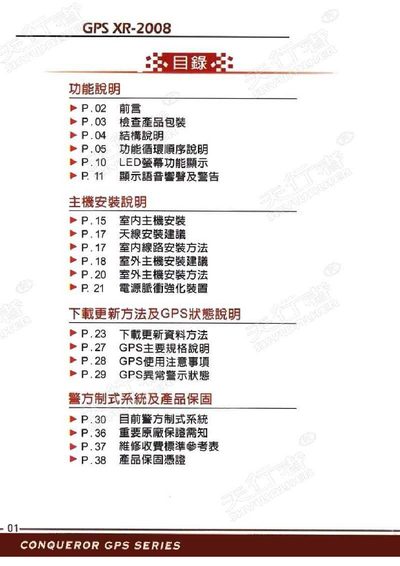
This manual covers everything you need to set up and operate the Conqueror XR-2008 GPS device. It includes packaging checks, hardware layout, LED display functions, and detailed installation instructions for indoor, outdoor and antenna placement.
Later sections explain how to update firmware via the USB download cable, describe the main technical specifications, outline usage warnings, and provide warranty and repair‑cost tables for both indoor and outdoor units. This manual is written in Chinese.
| Power supply | DC12V |
|---|---|
| Display information | Time / Date / Battery |
| Compass | Integrated |
| Frequency display | Band Bar |
Follow the indoor unit installation instructions provided in the manual under the "室内主机安装" section.
Use the download USB cable and follow the steps described in the "下载更新资料方法" section to update the device.
The device comes with a one‑year warranty covering repair costs, as detailed in the warranty section of the manual.