
This manual introduces the use of the GPSmile62E portable car navigation system, including safety precautions and warranty information.
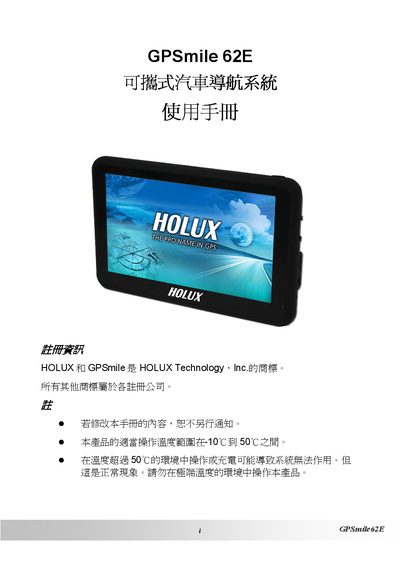
This manual covers safety precautions, battery handling, and warranty details for the HOLUX GPSmile 62E portable car navigation system. It explains proper installation, basic operation, and the main functions such as GPS positioning, audio playback, and image browsing.
Additional sections provide troubleshooting tips, regulatory compliance information (FCC, low‑power RF), and contact details for technical support. Users are advised to follow the guidelines to ensure reliable performance and safety while using the device in a vehicle. This manual is written in Chinese.
| Operating temperature range | -10°C to 50°C |
|---|---|
| Battery type | Built‑in lithium battery |
| Minimum GPS satellites for fix | At least 4 satellites |
| FCC compliance | Meets FCC Part 15 Class B |
| Charging method | Do not charge from a computer USB port |
The device can be used in temperatures from -10 °C up to 50 °C.
A fix requires signals from at least four GPS satellites.
No, the manufacturer does not recommend charging from a computer because the voltage is insufficient.
Adjust the antenna direction, increase the distance to other equipment, use a different power outlet, or seek assistance from a qualified technician.