
BeiDou satellite navigation instrument produced by Beijing HZS Technology Co., Ltd.
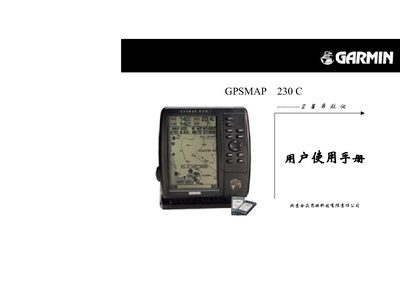
This manual describes the layout of the GPSMAP 230C, including the panel keys, screen pages, and basic operation procedures such as powering on, adjusting backlight brightness, and input methods. It also explains how to create, store, edit, and delete waypoints and routes, as well as how to use menu functions for navigation and emergency situations.
Additional sections cover performance specifications, waypoint capacity, and a brief product introduction that notes the device is part of Garmin's GPS series distributed in China by Unistrong Technology. This manual is written in Chinese.
| Waypoint capacity | 250 waypoints |
|---|---|
| Backlight brightness levels | 3 levels |
Press the power key until you hear a beep; the screen will turn on. A short press of the power key cycles the backlight through three brightness levels.
Switch to the map screen, move the cursor to the desired location, press the input key twice, and the device will automatically assign a number and store the waypoint.