
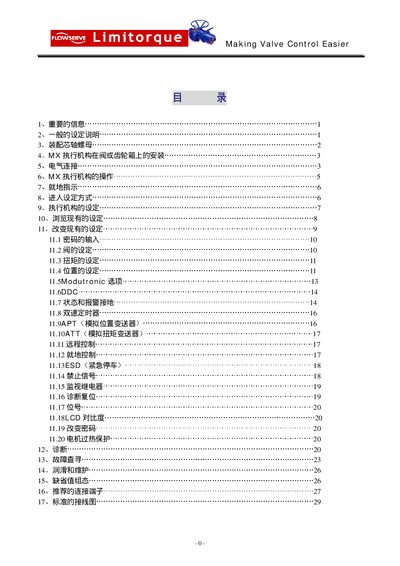
Limitorque MX Valve Control Service Manual


Limitorque MX Valve Control Service Manual - cover page
Brand
MAKING
Category
Industrial Robot
Document type
Service Manual
Language
Japanese
Pages
31
File format
PDF
File size
4.4 MB
Published
10 April, 2012
Updated
29 September, 2023
MD5 checksum
DD5F9806176DF4BF5C9C374AADCF27B6

About this manual

This manual provides step‑by‑step instructions for installing the Limitorque MX valve control unit, including mounting, terminal wiring and grounding. It also describes how to configure the control knob, set position limits and use the LCD and LED indicators.

Safety precautions, terminal ratings and maintenance procedures are covered, with detailed diagrams of the A‑type and B‑type base assemblies and guidance for local, remote and setup modes. This manual is written in Japanese.

What's inside

  • Installation
  • Operation
  • Control Settings
  • LCD Display
  • LED Indicators
  • Terminal Connections
  • Safety Precautions
  • Specifications

Frequently asked questions

How do I set the position limits on the MX valve control?

Put the control knob to STOP, then within 10 seconds move it to YES, then NO, then YES again; the LCD will display “SET POSITION LIMIT”.

Download PDF (4.4 MB)

More MAKING Manuals


View all MAKING manuals →