
The document is the user manual for IMPRESSA S9 One Touch coffee machine, which has been approved by the German Technical Inspection Agency, TÜV SÜD, for its easy-to-understand style and comprehensive coverage of safety aspects. The manual provides detailed instructions on the proper use and control options of the coffee machine.
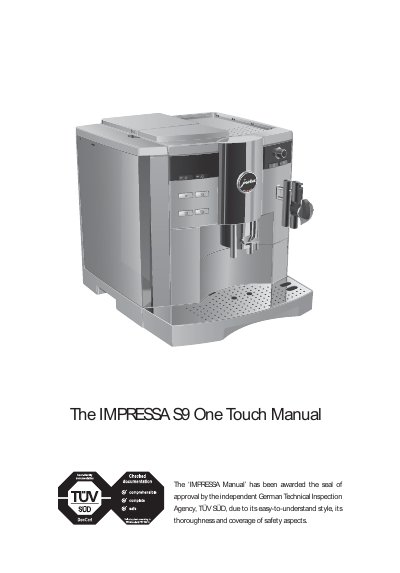
This manual explains how to set up, operate, and maintain the IMPRESSA S9 One Touch coffee machine. It covers safety precautions, first‑time use, control options, and programming features such as energy‑saving mode and programmable switch‑on/off times.
The document also includes detailed cleaning and descaling procedures, troubleshooting tips, and a technical data section with electrical and mechanical specifications. All instructions are intended for domestic use and must be followed to ensure safe and reliable operation.
| Voltage | 230 V AC, 50 Hz (120 V AC, 60 Hz also available) |
|---|---|
| Power | 1450 W (1250 W typical) |
| Pump pressure (static max.) | 15 bar |
| Water tank capacity | 2.8 L |
| Bean container capacity | 280 g |
| Weight | 13.3 kg |
| Dimensions (W × H × D) | 31 × 37 × 43.5 cm |
Energy SAVE LEVEL 1 consumes 16 Wh, while ENERGY SAVE LEVEL 2 consumes 14 Wh; standby mode uses 5.6 Wh.
The static maximum pump pressure is 15 bar.