
This document is a user manual for the IMPRESSA F50/F5 coffee machine, which provides instructions on various aspects including the machine's parts, safety precautions, initial setup, water hardness adjustment, filter usage, coffee and hot water preparation, programming settings, and maintenance.
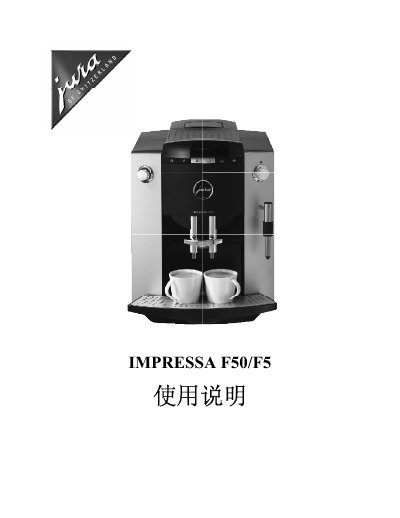
This manual provides step-by-step instructions for operating the Jura IMPRESSA F50/F5 coffee machine, including safety precautions, initial setup, water hardness adjustment, filter installation, brewing, steam operation, cleaning, and descaling. It also covers maintenance, troubleshooting, and language settings. The machine features a programmable interface with buttons for coffee and steam functions, and a water tank for easy refilling. The manual includes diagrams and detailed procedures for each task, ensuring users can operate the machine safely and effectively.
The manual is designed for users who want to understand and maintain their coffee machine properly. It includes safety warnings, setup instructions, and maintenance tips. It also provides guidance on how to adjust water hardness, install and replace filters, and clean the machine. The manual is written in Chinese with some English terms and includes diagrams to help users understand the machine's components and functions.
| Water Hardness Levels | LEVEL 1 to LEVEL 4 |
|---|---|
| Default Water Hardness | LEVEL 3 |
| Maximum Water Capacity | 1 liter |
| Brewing Adjustment | 5 ml increments |
Turn the knob until the screen displays the desired hardness level (LEVEL 1 to LEVEL 4).
Open the filter bracket, insert the filter into the water tank, close the bracket, fill the tank with fresh water, and press the program button.
Turn off the machine, press the maintenance button until the screen displays 'EMPTY TRAY', empty the tray, add cleaning agent, and follow the on-screen instructions.
Turn the knob until the screen displays the desired language, then press the knob to confirm.