
This document is the user manual for 6VA7+ motherboard, which introduces the features and characteristics of the motherboard, such as system power-on method, CPU frequency setting, etc.
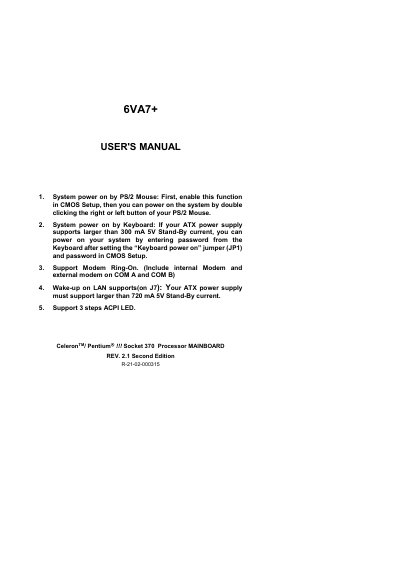
The GA-6VA7+ motherboard manual provides detailed instructions for system power‑on methods, including PS/2 mouse, keyboard, and Wake‑up on LAN. It also explains how to configure CPU speed and bus frequency using DIP switches and lists supported processors such as Celeron and Pentium Socket 370 CPUs.
Additional sections cover connector pin‑outs, BIOS flash procedures, known bugs and limitations, and FCC/CE compliance statements. The document includes appendices with BIOS update steps and regulatory declarations. This manual is written in Chinese.
| Supported CPU Socket | Socket 370 |
|---|---|
| Power‑On by PS/2 Mouse | Enabled via CMOS Setup |
| Wake‑up on LAN Requirement | ATX power supply >720 mA 5V Stand‑By |
| Modem Ring‑On Support | Internal and external modems on COM A/B |
| ACPI LED Steps | 3‑step ACPI LED supported |
Enable the PS/2 mouse power‑on function in the CMOS Setup, then double‑click the mouse button to start the system.
Set jumper J7 and ensure the ATX power supply provides more than 720 mA on the 5V Stand‑By line.
The board supports Socket 370 processors such as Celeron and Pentium models ranging from 300 MHz to 733 MHz.