
This document is the installation and user manual for the Nokia 6090 car phone, which describes the operation guide, installation steps, basic functions, and other important features of the product.
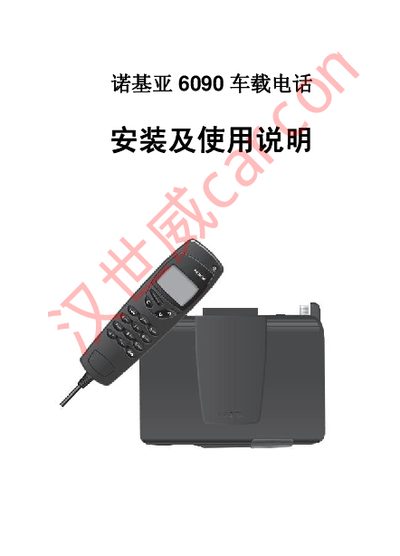
This manual provides step‑by‑step instructions for installing the Nokia 6090 car phone in a vehicle, including power connections, antenna placement, and wiring details. It also explains how to insert and activate the SIM card and configure basic phone functions.
Additional sections cover menu navigation, speed‑dial programming, clock and alarm settings, and alert tone adjustments, helping users customize the device after installation.
| Operating voltage | 12 V DC |
|---|
Open the Speed Dials menu, select the desired slot, and enter the phone number using the keypad.
The device operates from a 12 V DC power source.