
Nokia 6030 user guide
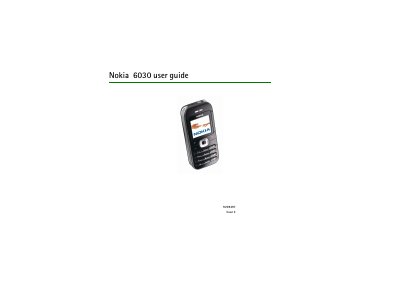
This guide covers safety information, how to install the SIM card and battery, and basic operation of the Nokia 6030 phone. It explains the keypad layout, power‑saving mode, and how to change covers.
The manual details call functions, text entry, messaging (SMS/MMS), multimedia features, browser settings, GPRS, and various device settings such as profiles, tones, and calendar. It also includes battery information, SAR safety data, and instructions for restoring factory defaults.
| Product code | RM-74 |
|---|---|
| Maximum SAR (ear) | 0.70 W/kg |
| SAR limit (public) | 2.0 W/kg |
Insert the SIM card and then place the battery into the phone as described in the "Get started" section.
Select the "Restore factory setting" option in the Settings menu to reset the device.