
LabJack U12 User's Guide is a LabJack U12 user guide that describes the measurement and automation functions of the LabJack U12.
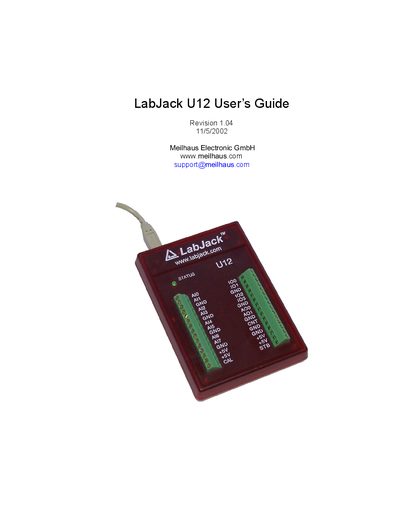
The guide explains how to install the LabJack U12 on Windows 98SE, ME, 2000, or XP, including hardware connection via the supplied USB cable and software installation of high‑level drivers and the NI LabVIEW Run‑Time Engine. It also details troubleshooting steps for enumeration failures and how to verify successful device detection using the status LED.
The manual describes the hardware features such as the USB connector, DB25 digital I/O connector, status LED, and 30 screw terminals. It covers analog input configuration, resolution, gain settings, and provides a programming reference with function calls for data acquisition and control. A specifications section lists electrical and environmental parameters of the device.
| USB cable length | 3 meters |
|---|---|
| Supply current | 20 mA |
| Operating temperature range | -40 to 85 °C |
The LabJack U12 works with Windows 98SE, Windows ME, Windows 2000, and Windows XP.
When enumeration is complete the status LED blinks twice and then stays on.