
This is a temperature meter
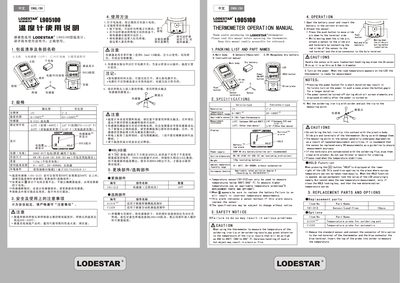
This manual explains how to install, power on, and operate the LodeStar L905100 thermometer. It includes a packing list, detailed specifications, and step‑by‑step instructions for attaching sensors and reading temperature values.
Safety precautions, sensor replacement procedures, and the HOLD function are also covered, ensuring reliable and accurate temperature measurements in industrial environments.
| Temperature range | 9–700 °C (32–1300 °F) |
|---|---|
| Resolution | 1 °C |
| Sensor type | K (CA) type thermocouple |
| Tolerance | ±3 °C (300–600 °C) |
| Power supply | 06P QV dry alkaline battery (recommended) |
| Outline dimensions | 68 × 140 × 38 mm (excluding protrusions) |
| Weight | 115 g (excluding battery) |
| Ambient temperature | 9–49 °C, 20–90 % RH, without condensation |
| Rated pollution degree | 2 (IEC/UL61010‑1) |
| Maximum sensor temperature | Below 500 °C (932 °F) |
Press the power button; when the room temperature appears on the LCD, the thermometer is ready for measurement.