
This document is the manual of Gigabyte GA-8GE800 motherboard, which introduces the function and usage of the motherboard.
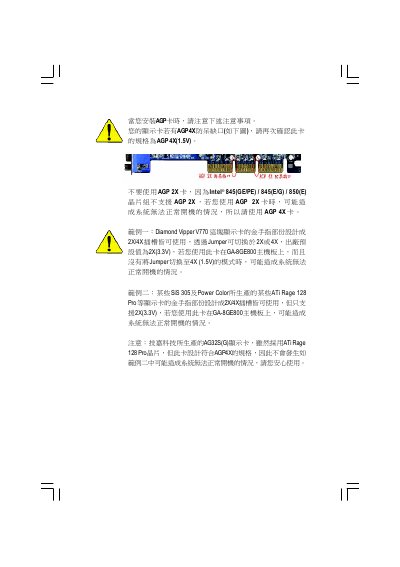
This guide provides step‑by‑step instructions for installing the GA‑8GE800 motherboard, including CPU, memory, AGP, PCI, IDE and peripheral connections. Safety precautions, anti‑static handling and proper fastening are emphasized to protect the board and ensure reliable operation.
The manual also details BIOS configuration options, power‑saving features, and advanced settings such as Hyper‑Threading support. Technical reference data, specifications and contact information for Gigabyte worldwide offices are included at the end of the document. This manual is written in Chinese.
| Form factor | ATX 21 cm x 29.5 cm |
|---|---|
| CPU socket | Socket 478, supports Intel Pentium 4 |
| Chipset | Intel 845GE HOST/AGP/Controller |
| Memory type | DDR333/DDR266 DIMM, 184‑pin |
| Maximum memory | 2 GB |
| AGP slot | 1 × AGP 4X (1.5 V) only |
| PCI slots | 5 × PCI 33 MHz, PCI‑2.2 compliant |
| Audio codec | RealTek ALC650 |
It uses a Socket 478 that supports Intel Pentium 4 processors.
Only AGP 4X (1.5 V) cards are supported; AGP 2X cards are not compatible.
The motherboard can be expanded up to 2 GB of DDR memory.