
User manual for ASUS T-P5P43 ASUS PC (Desktop Barebone)
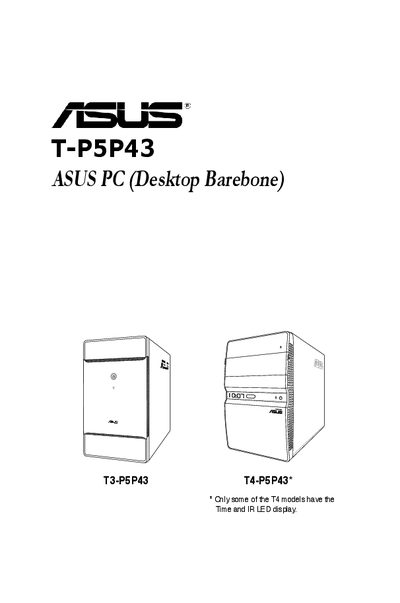
This guide covers the ASUS T-P5P43 barebone system, describing its front and rear panels, internal components, and system features. It includes step‑by‑step instructions for installing the CPU, memory, storage, and power supply, as well as configuring the motherboard and BIOS.
Safety information, FCC compliance statements, and an appendix with power‑supply specifications and driver integration instructions are also provided to help users set up and maintain the system safely.
| Maximum environmental temperature | 35°C |
|---|
Disconnect the power cable from the electrical outlet before moving the system.
Press the DEL key during the Power‑On Self‑Test (POST) to enter the BIOS setup.
Do not attempt to fix it yourself; contact a qualified service technician or retailer.