
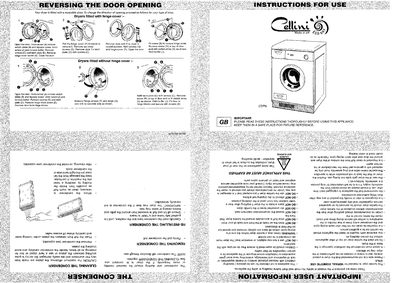
This manual provides step‑by‑step guidance for installing the Cellini CD7N dryer, including door‑opening options, drainage connections, and final placement. It also explains how to select drying programs, heat settings, and how the timer and safety features work.
Additional sections cover garment care recommendations, troubleshooting tips, and technical specifications such as dimensions and maximum load capacities. Safety warnings and maintenance procedures, like cleaning the lint filter and emptying the water bottle, are included to ensure reliable operation.
| Height | 85 cm |
|---|---|
| Width | 59.5 cm |
| Maximum cotton load | 7 kg |
| Maximum delicates load | 2 kg |
| Room temperature operating range | 5 °C to 30 °C |
Press the red reset button at the rear of the machine; a click indicates the safety cut‑out has been reset. If it continues, contact a service agent.