
This manual introduces the function and use method of the system control keyboard.
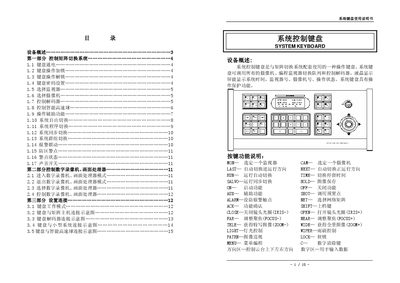
This manual describes how to power on the system keyboard, set and change the 4‑digit password, and lock or unlock the device. It also covers selecting monitors and cameras, controlling decoders, PTZ cameras, and auxiliary functions.
Additional sections detail free switching programming, alarm linkage, zone alarm points, and connection wiring, including cable length limits and DIP‑switch settings. This manual is written in Chinese.
| Power Supply | 12 V DC |
|---|---|
| Maximum Cable Length | 1200 m |
| DIP Switch Width | 8‑bit binary |