
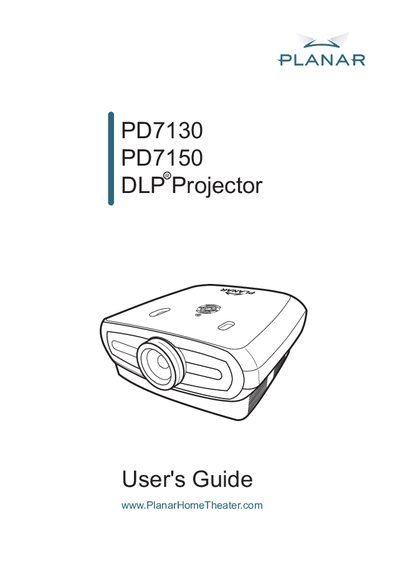
This manual explains how to install, connect, and operate the Planar PD7130 and PD7150 DLP front projectors. It includes safety warnings, power‑cord requirements, and lamp‑handling instructions to ensure reliable performance.
The guide covers remote‑control usage, menu navigation, lens adjustment, screen setup, and detailed technical specifications. Maintenance procedures such as lamp replacement and factory reset are also described.
| Model Number | PD7130/PD7150 |
|---|---|
| Resolution | 1280 x 720 pixels |
| Lens Focal Length | F2.4~2.5 (PD7130), F2.36~2.5 (PD7150) |
| Projection Lamp | 250 W / 200 W switchable UHP lamp |
| Brightness | 900 ANSI Lumen (PD7130), 1000 ANSI Lumen (PD7150) |
| Contrast Ratio | 4500:1 (PD7130), 5000:1 (PD7150) |
| Throw Ratio (16:9) | 1.34:1 ~ 1.68:1 |
| Power Consumption | 370 W (Standby < 5 W) |
| Weight | 17.6 lbs |
| Dimensions (W × L × H) | 445 mm × 420 mm × 180 mm |
A shielded power cord is required to meet FCC requirements.
The cooling fan continues to run for approximately 90 seconds after power‑off.
The projectors use a 250 W / 200 W switchable UHP lamp.
The PD7130 provides 900 ANSI Lumen, while the PD7150 provides 1000 ANSI Lumen.