
PD7130 PD7150 DLP Projector R User's Guide
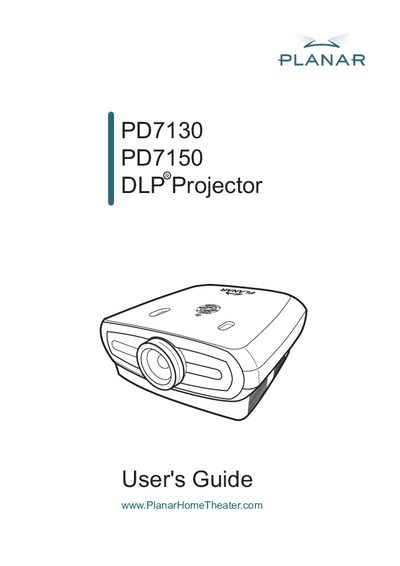
The Planar PD7130/PD7150 DLP Projector User Manual provides essential information for safe operation, installation, and maintenance of the projector series. It includes safety warnings for the high‑brightness light source, registration instructions, and details on accessories such as cables and replacement lamps.
Technical sections cover front and rear viewing modes, ceiling‑mount setups, and detailed screen‑size and projection‑distance tables for 16:9 screens ranging from 60" to 120" diagonal. The guide also points users to online support resources and the Planar technical library.
| Maximum screen diagonal | 120 inches (305 cm) |
|---|---|
| Screen width for 100" diagonal | 87 inches (221 cm) |
| Screen height for 90" diagonal | 44 inches (112 cm) |
The manual warns that the projector uses a high‑brightness light source and users should not stare directly into the beam and keep children away.
Registration can be done online at http://www.planar.com/support/product_registration.html.