
The document contains information about the features and characteristics of the products.
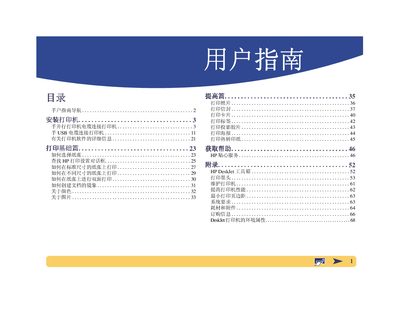
The manual guides users through unpacking the printer, removing external packaging, and preparing the device for use. It details the step‑by‑step installation process, including connecting the printer to a computer via USB and ensuring the cable complies with IEEE 1284 standards.
Additional sections cover printing functions, cartridge handling, supplies and accessories, and HP's environmental initiatives such as the use of recycled materials and Energy Star compliance. This manual is written in Chinese.
| Interface | USB (IEEE 1284 compliant) |
|---|---|
| Energy Star | Energy Star compliant |
Remove the external packaging, place the printer on a flat surface, and follow the step‑by‑step installation instructions provided in the manual.
Use a USB cable that meets the IEEE 1284 standard to connect the printer to the computer.