
This document introduces a new wireless charging technology that can charge phones anywhere. The technology uses a new sensor that can detect the phone's location and transmit power to the phone. The technology also uses a new algorithm that optimizes the power transfer to ensure that the phone can charge quickly and safely anywhere.
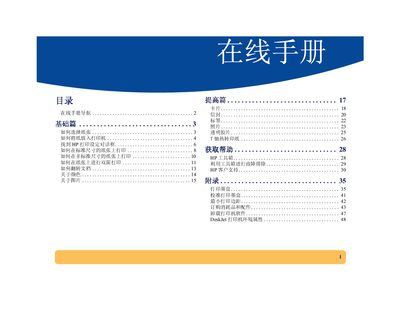
This manual provides step‑by‑step instructions for installing and setting up HP DeskJet printers, including paper handling, print settings, and troubleshooting tips. It also explains how to uninstall the printer software safely.
Additional sections cover environmental statements, ENERGY STAR compliance, and guidelines for recycling printer components and cartridges. This manual is written in Chinese.
| Dimensions | 8.5 inches (approx. 127‑215 mm) |
|---|---|
| Energy efficiency | ENERGY STAR compliant |
Open the program manager, select the HP DeskJet series entry, and choose “Uninstall” to remove the printer software safely.
HP reduces hazardous materials, uses recyclable packaging, and participates in take‑back programs for printers and cartridges.