
This document is a user manual for HP printers. It introduces the basic usage of HP printers, including how to install the printer, how to connect the printer, how to print documents, how to use the printer's functions, etc.
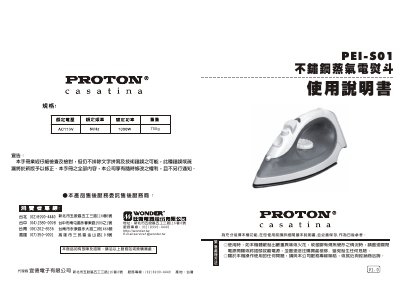
This manual provides step‑by‑step instructions for safely operating the P EI PEI‑S01 steam iron, including power connection, temperature setting, steam usage and proper handling of the water tank. It also outlines safety precautions such as turning off the power if the device emits strong odor, sparks, or shows signs of overheating.
Maintenance guidelines cover cleaning the water tank, descaling the steam nozzle, and storing the iron upright after use. A troubleshooting section lists common issues like no steam generation and provides corrective actions. This manual is written in Chinese.
| Weight | 750 g |
|---|
Use a toothpick to remove limescale from the steam nozzle opening.