
This document introduces the features and usage of the scanner
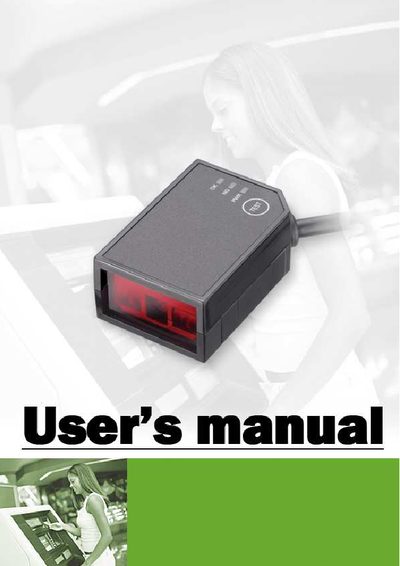
This manual describes a miniature CCD scan module designed for embedded applications where space is limited. The module weighs about 15 g and fits in a match‑box sized enclosure, offering three LED indicators and a TEST button for quick performance checks. It includes mounting holes for easy integration into devices such as kiosks or lottery machines.
The guide provides step‑by‑step instructions for mounting, wiring, and configuring the scanner, including RS‑232 and HID‑USB interfaces, barcode symbology settings, and sleep‑mode programming. Technical specifications, default settings, and programming commands are listed to help users achieve reliable barcode reading under various lighting and angle conditions.
| Weight | 15 g |
|---|---|
| Physical size | Match‑box sized |
| Supported barcode type (example test) | EAN‑13, 0.33 mm (13 mil) bars |
| Recommended reading distance | 14 cm (5.5 in) |
Pressing the TEST button initiates a performance test that verifies scanning response and LED indicators.