
This document is a Scanner Quick Guide for the scanner product. It mainly introduces the scanning modes, resolution control, interface, dimensions, weight, power consumption, supported operating systems, etc. of the product.
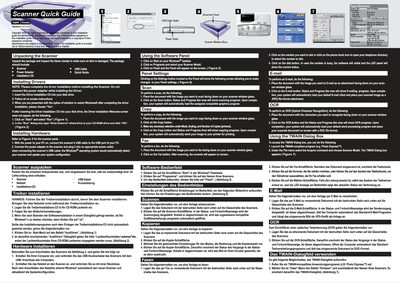
The guide begins with unpacking instructions, lists the items that should be in the box, and then walks the user through driver installation from the supplied CD. After the drivers are installed and Windows is restarted, the scanner can be connected via USB and powered on.
Subsequent sections describe how to use the software panel to perform scans, copies, faxes, email attachments, and OCR, as well as how to access the TWAIN dialog for third‑party applications. A specifications table provides technical details of the scanner model.
| Optical Resolution | 2400 dpi |
|---|---|
| Light Source | LED |