
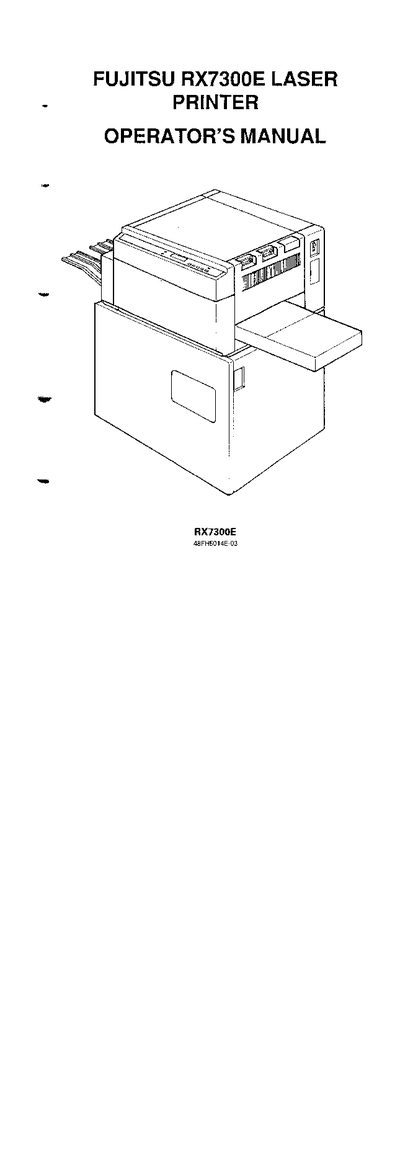
This operator's manual covers safety information, unpacking, and installation steps for the Fujitsu RX7300E laser printer. It includes a parts checklist, positioning guidelines, power‑supply requirements, and detailed instructions for connecting parallel and serial data cables.
Later sections describe menu navigation, setup options, serial data configuration, toner cartridge handling, and troubleshooting procedures. The manual also contains regulatory compliance statements for FCC, CE, and Canadian standards.
| Laser classification | Class 1 |
|---|---|
| Maximum power‑cord length | 3 m |
| Serial data format | D‑8 |
| Parallel interface connector | 36‑pin shielded Centronics type (AMP DDK 57FE‑30360 or equivalent) |
The power cord must be 3 metres or less.
A 36‑pin shielded Centronics‑type parallel cable, such as the AMP DDK 57FE‑30360, is required.
It is classified as a Laser Class 1 device.