
This manual describes the operation of the Bio-Rad Criterion Stain Free™ Imaging System, including system components, operating instructions, and maintenance and service procedures.
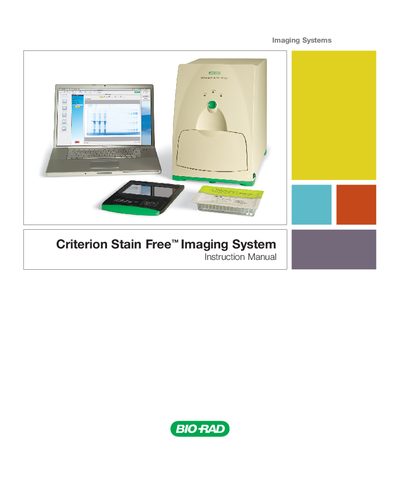
This manual describes the safe use of the Criterion Stain Free Imaging System, a laboratory‑only instrument intended for specialized personnel familiar with the health risks of electrophoresis reagents. It outlines interlocks, warnings, and regulatory compliance (EN61010, EN61326) to prevent accidental UV exposure and ensure proper handling.
The document also lists the hardware and software specifications, including image area, resolution, power requirements, and USB 2.0 connectivity, and provides guidance on installation, operation, and maintenance of the system.
| Image Area | 13.9 x 9.4 cm |
|---|---|
| Excitation Source | Trans UV 302 |
| Detector | CCD |
| Image Resolution | 1392 x 940 pixels |
| Pixel Size | 100 x 100 µm |
| Dynamic Range | 3.0 Orders |
| Pixel Density | 4096 gray levels |
| Flat Fielding | Yes |
| Instrument Size | 43 x 28 x 38 cm |
| Instrument Weight | 7.3 kg |
| Operating Voltage | 110/115/230/240 VAC |
| Power Consumption | 40 W |
| Input Voltage Range | 100‑240 VAC |
| Input Frequency | 50‑60 Hz |
| Computer Interface | USB 2.0 (USB‑B connector) |
| Operating Temperature | 10‑28 °C (21 °C recommended) |
| Operating Humidity | < 70% non‑condensing |
It operates on 100‑240 VAC, 50‑60 Hz, with a maximum power consumption of 40 W.
The imager uses a USB‑2.0 interface with a USB‑B connector for communication with a PC.
The recommended operating temperature is 10‑28 °C, with 21 °C as the ideal setting.