
This document is the user manual for the VCM-P58T thermal printer produced by Shenzhen Jiacheng Technology Co., Ltd. It introduces the overview, main features, technical specifications, appearance components, installation of the printer, interface signals, printing control commands, and troubleshooting.
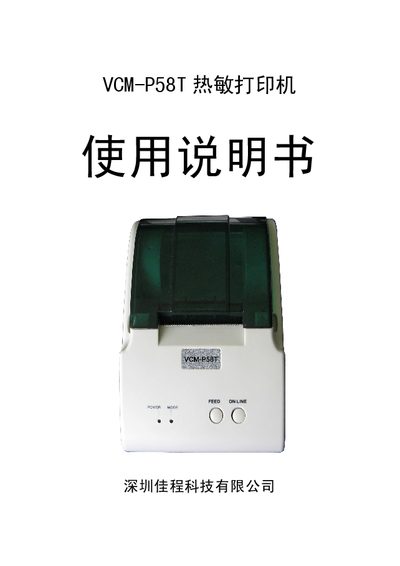
This manual describes the VCM-P58T thermal printer, a high‑speed, low‑noise printer intended for POS and restaurant billing systems. It covers safety warnings, recommended operating environment, and basic product features.
The document includes detailed installation instructions, interface specifications for parallel and serial ports, cash‑drawer connection, command set information, and a fault‑diagnosis table to help users resolve common issues. This manual is written in Chinese.
| Print method | Direct thermal line printing |
|---|---|
| Print density | 8 dots/mm, 384 dots/line |
| Paper width | 57.5 ± 0.5 mm |
| Effective print width | 48 mm |
| Print speed | ≈ 50 mm/s |
| Paper feed speed | ≈ 70 mm/s |
| Power supply | DC 8 V ± 5% or 12 V 1 A |
| Operating temperature | 0 – 40 °C |
The printer can operate in temperatures from 0 °C to 40 °C.
Connect the cash drawer to the DC 12 V 1 A, 6‑pin RJ‑11 connector on the printer.
It uses 57.5 mm wide thermal paper, manually fed and torn off.
Check that the power adapter is properly connected and replace it if faulty.