
EasyCoder PF4i is an industrial printer
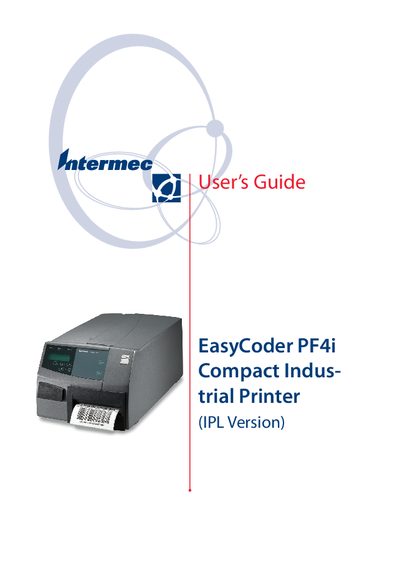
This guide introduces the EasyCoder PF4i Compact Industrial printer, covering safety notices, regulatory compliance, and basic product identification. It includes FCC, DOC, and EU warnings about radio‑frequency emissions and the requirement to use the printer only as described.
The manual details unpacking, mechanical layout, media handling, and connection options, then walks the user through startup, default configuration, media loading, serial communication settings, and test/service procedures. It also explains how to return the printer to factory defaults and provides troubleshooting tips.
A new method for returning to factory default is described in the document revisions.
The guide warns that the printer may cause radio interference in a residential setting and the user may need to take measures to correct it.