
This document is a user's guide for the EasyCoder PC4 barcode label printer by Intermec Technologies Corporation, providing instructions for operation and maintenance.
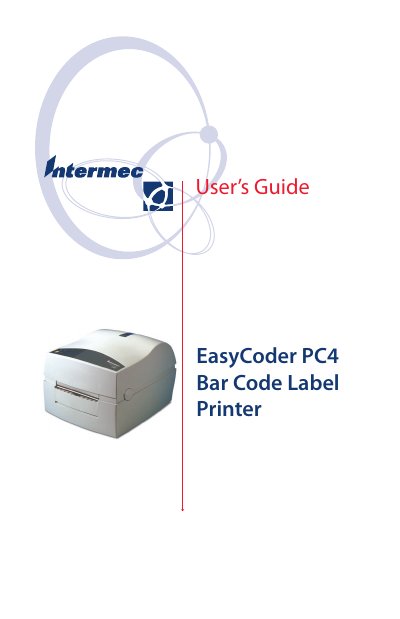
This user guide provides detailed instructions for operating and maintaining the Intermec EasyCoder PC4 barcode label printer. It covers installation procedures, including power and computer connections, media loading, and ribbon replacement. The guide also includes safety precautions, troubleshooting tips, and technical specifications such as print resolution, media compatibility, and environmental operating conditions. Maintenance sections detail cleaning procedures for the printhead and external components.
| Print Resolution | 203.2 dots/inch (8 dots/mm) standard, 300 dpi (11.81 dots/mm) option |
|---|---|
| Print Speed | 8 dots/mm: 30, 40, 50, 75, or 100 mm/sec. (1.2, 1.6, 2, 3, or 4 inches/sec.) |
| Operating Temperature | +5°C to +40°C (+40°F to +104°F) |
| Power Supply | 100 to 240 VAC/50 to 60 Hz, 1.9 A input; 24 VDC, 3.0A output |
| Media Width | Max 116.0 mm (4.57 inches), Min 25.4 mm (1.0 inches) |
It supports 1 × RS-232 serial (DB-9pin), 1 × Centronics parallel, and 1 × USB (v1.1).
The maximum label length is 1,140 mm (45 inches).