
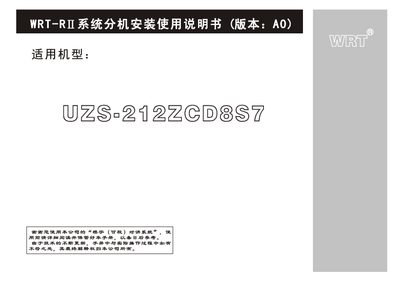
The WRT‑RI smart network intercom system provides visual door‑entry communication, remote unlocking, and multi‑zone alarm functions for residential and community buildings. The UZS‑212ZCD8S7 model is available in black‑white or color visual versions and can be wall‑mounted or recessed.
This manual explains the installation precautions, mounting steps, wiring connections, initial configuration (including default passwords), and basic fault troubleshooting. It also lists technical parameters and the supported alarm zones. This manual is written in Chinese.
| Maximum units per household | 4 |
|---|---|
| Recommended installation height | 145 cm |
| Alarm zones supported | 8 (smoke, gas, infrared, door magnetic, plus four custom zones) |
| Selectable ringtones | 10 |
| Disarm password length | Up to 8 digits |
The visual intercom should be installed at a height of about 145 cm.
Up to four units of this type can be connected in a single household.
The initial password is 12345678.
It supports eight alarm zones: smoke, gas, infrared, door magnetic, and four user‑defined zones.